

Know Your System Type
The XR650 operates using an Area (A) system type. Your system can have up to 100 separate areas. Each area can do the following:
-
Have a custom name.
-
Arm or disarm independently of other areas.
-
Limit access to users.
System Components
Note: Your system may not include all of the equipment and functions found in this guide.
Control Panel
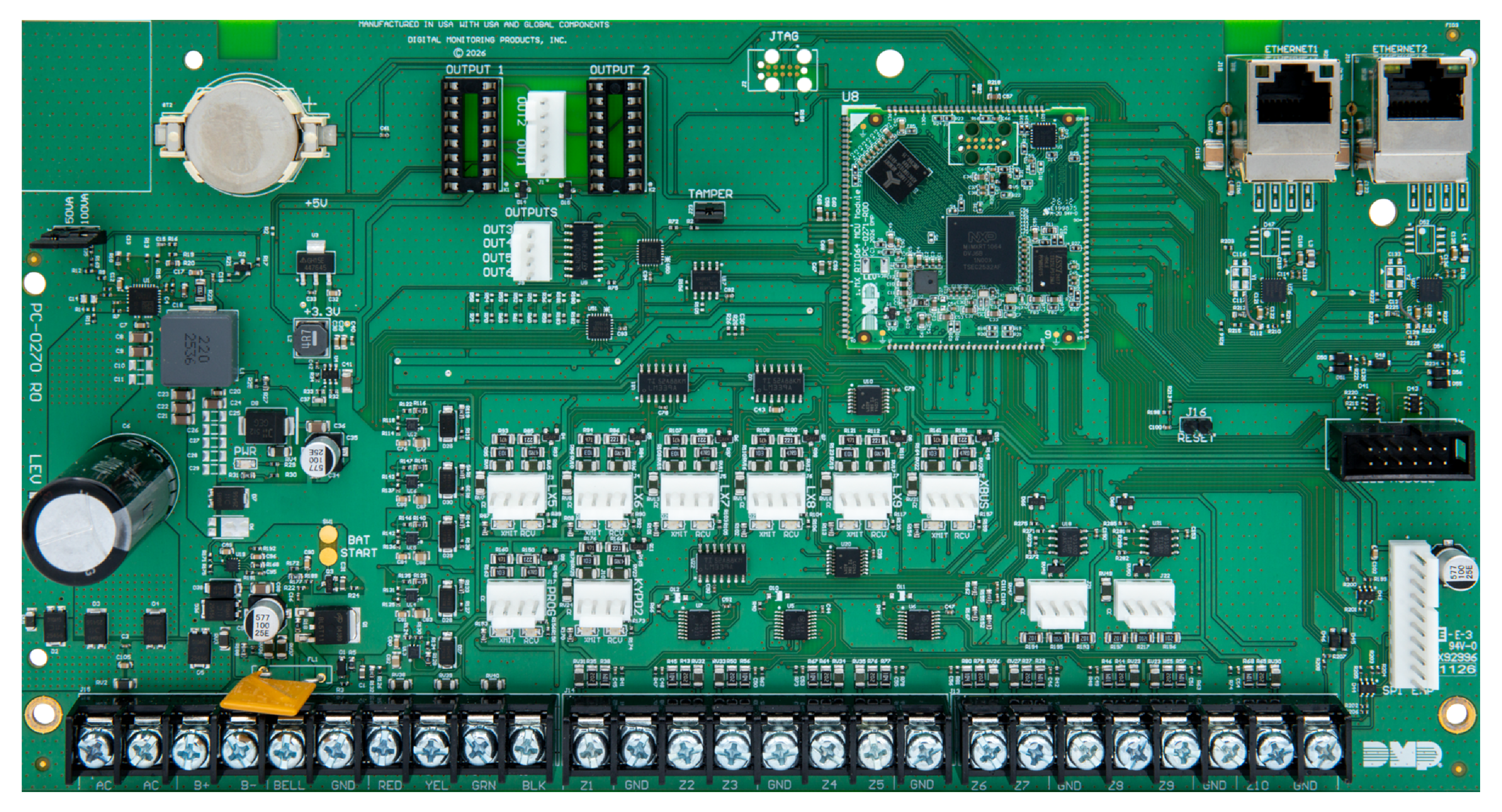
The control panel acts as your system’s brain. It communicates with the keypad and all the other system devices throughout the building.
Keypad
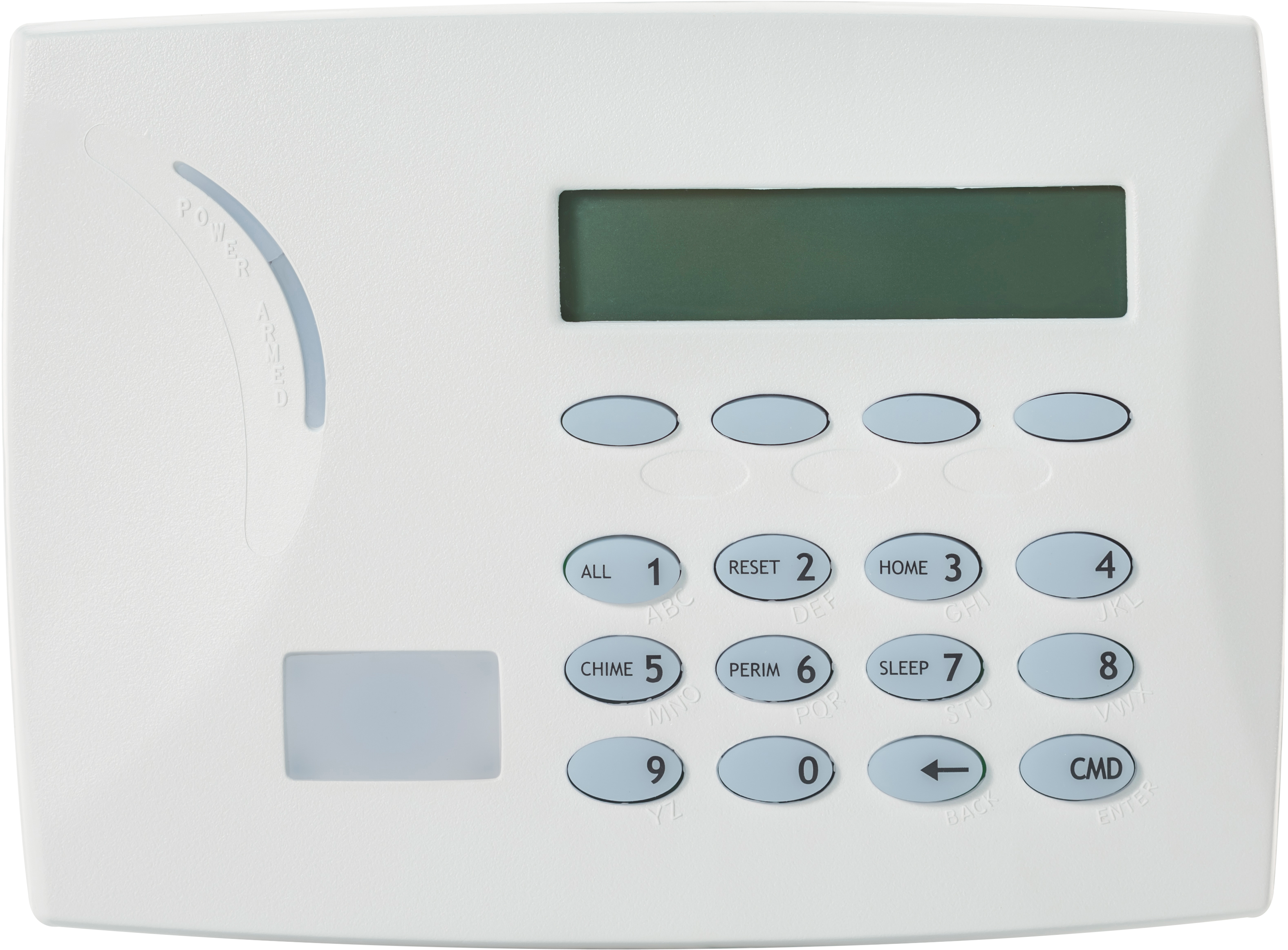
The keypad allows you to control your system from one place. You can use it to arm and disarm your system, add user codes, verify alarms, and many other functions.
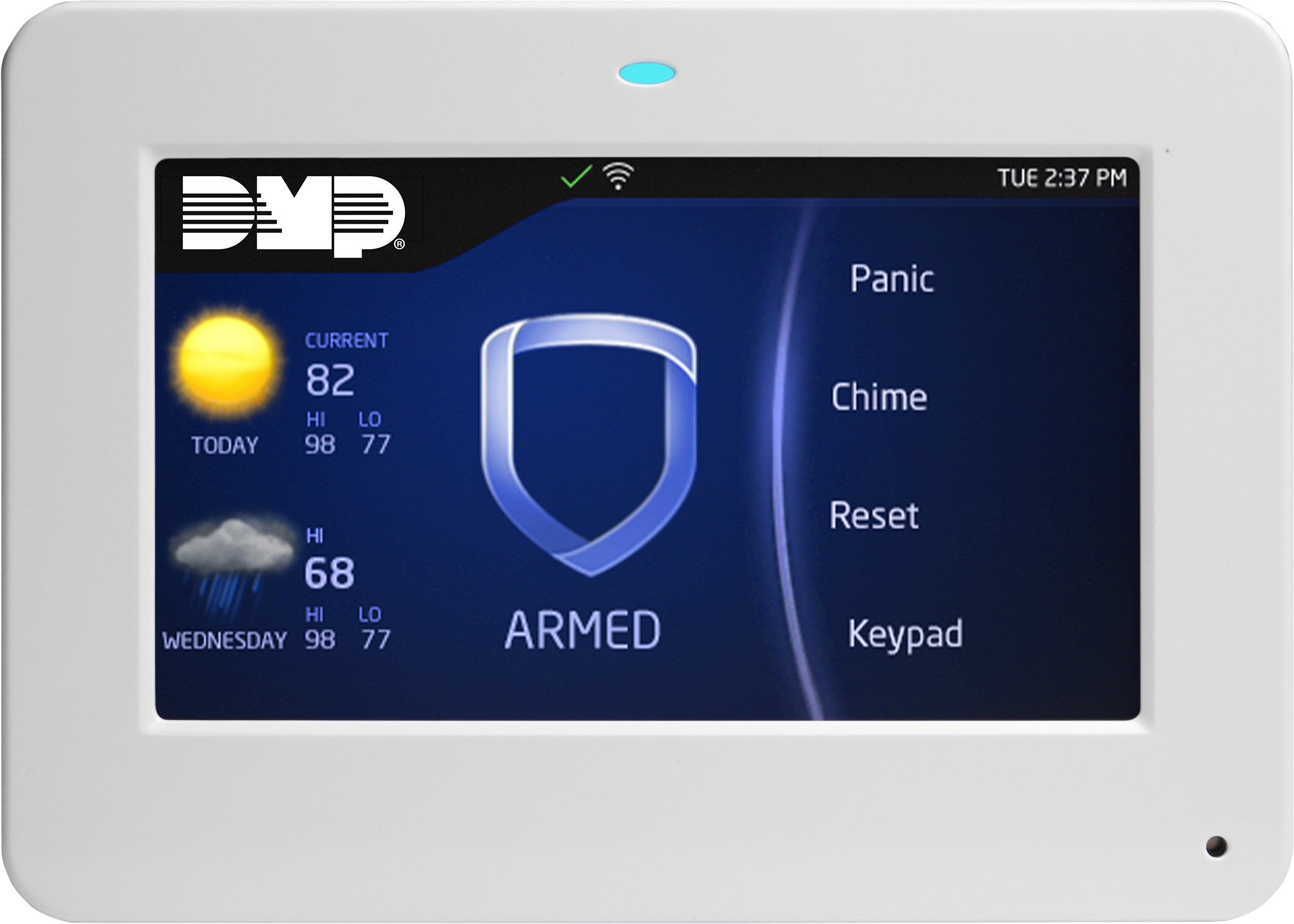
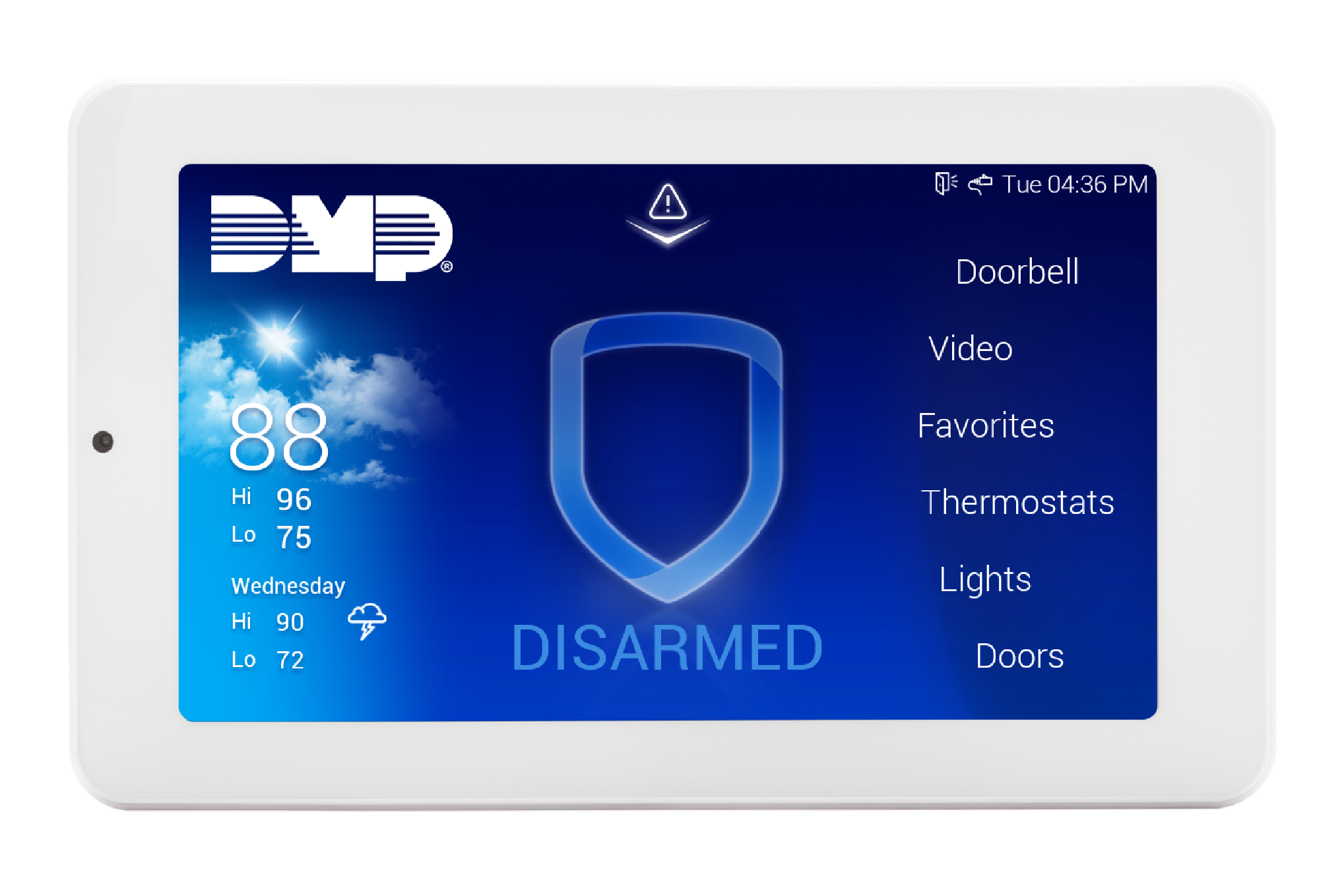
The XR650 supports DMP Thinline and Touchscreen Keypads. See the Accessory List in the XR650 Installation and Programming Guide for more information on keypad compatibility.
Thinline Keypads
-
7000 Series Thinline Keypads
-
9000 Series Wireless Keypads
Touchscreen Keypads
5-Inch Keypads
-
7800 Series Touchscreen Keypads
-
9800 Series Wireless Keypads
7-Inch Keypads
-
8800 Series Touchscreen Keypads
Prox Key
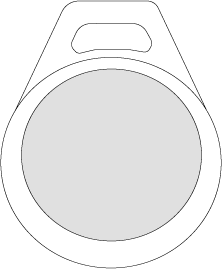
A prox key is an impact resistant credential that fits on a standard key ring. It allows for codeless arming, disarming, and door access when it is presented to a reader.
Sensor
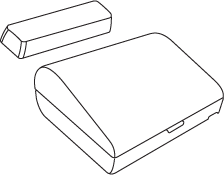
Sensors are small devices that monitor motion, temperature, flooding, breaking glass, and know when windows and doors have been opened.
Key Fob Remote
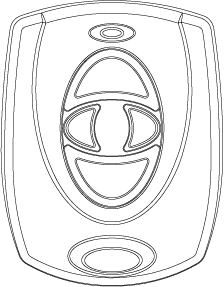
Depending on how your key fob remote is set up, it provides an easy way to arm and disarm your system or send a panic alarm.
Siren
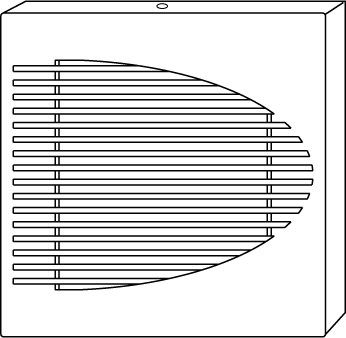
The siren emits sound when your system goes into alarm.
Virtual Keypad™ App and VirtualKeypad.com™
The Virtual Keypad App and VirtualKeypad.com allow you to control and monitor your system on the go. The app is available for Apple® and Android™ devices.